Edit less.
Claude × CapCut automation.
You film. Claude builds the draft.
Your edit lands in CapCut, ready to polish and post. You stay in control of every video.
Price goes up to on 1 January 2027
00days
00hrs
00mins
00secs
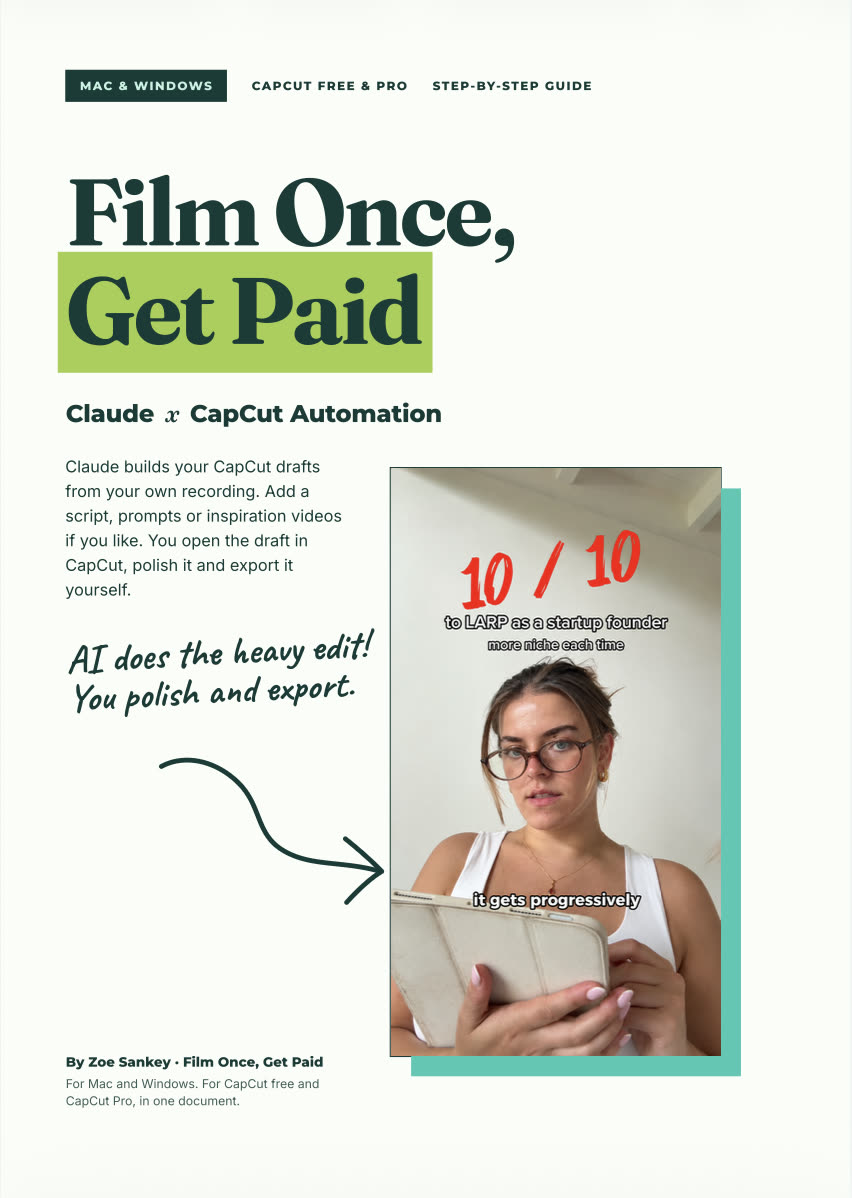 Works onCapCut free or Pro
What it does
Your week back.
- 1.
Film once
Record your video the way you already do. Add optional notes or reference videos.
- 2.
Claude builds the draft
Your edit lands in CapCut, ready for you to open.
- 3.
Polish and post
Make your final tweaks and export. Every video is yours to approve.
Made with it
Real videos. Real edits.


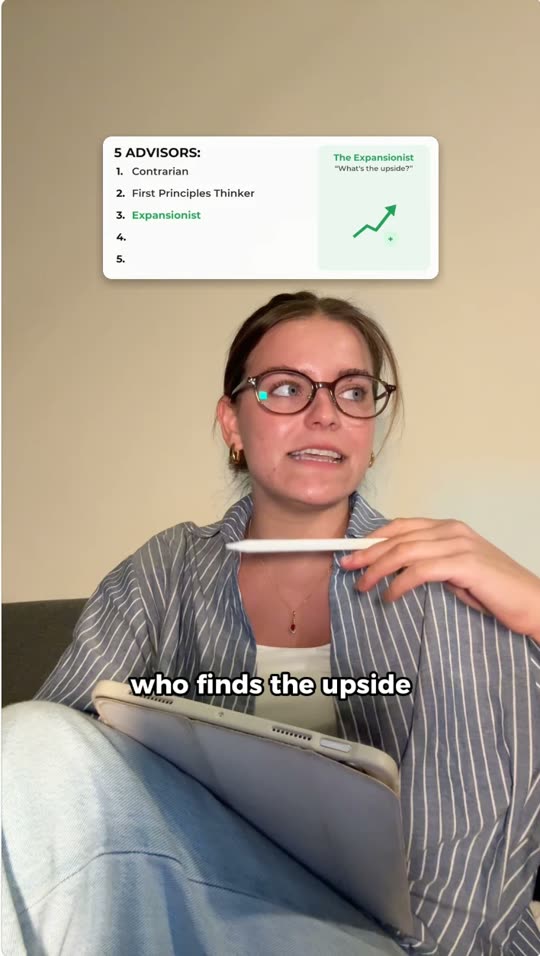
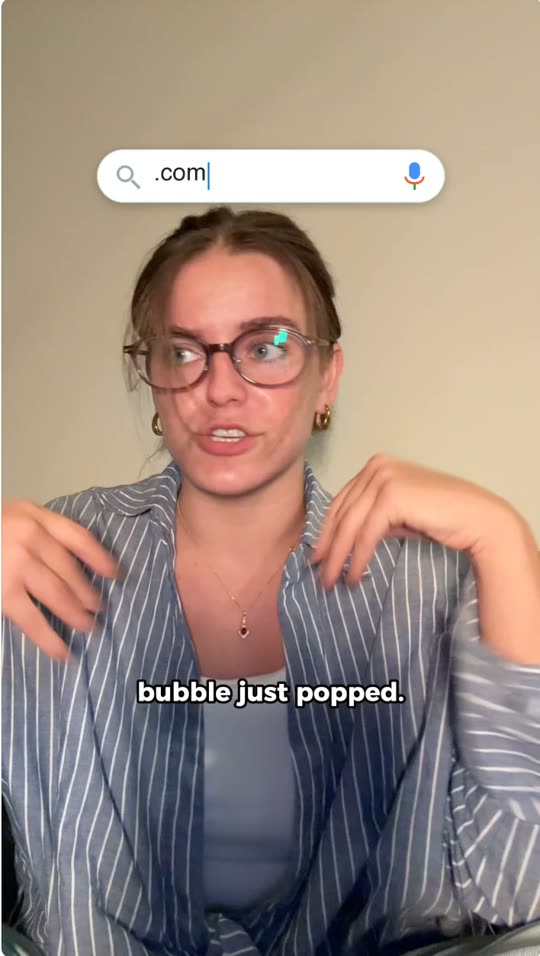
Cards, captions and cuts placed in CapCut by Claude, polished and exported by me.
What you need
Before you buy.
- A Claude Pro plan or higher. This is a must. You'll use it in the Claude desktop app.
- A computer with CapCut's desktop app, free or Pro.
- Your own recordings.
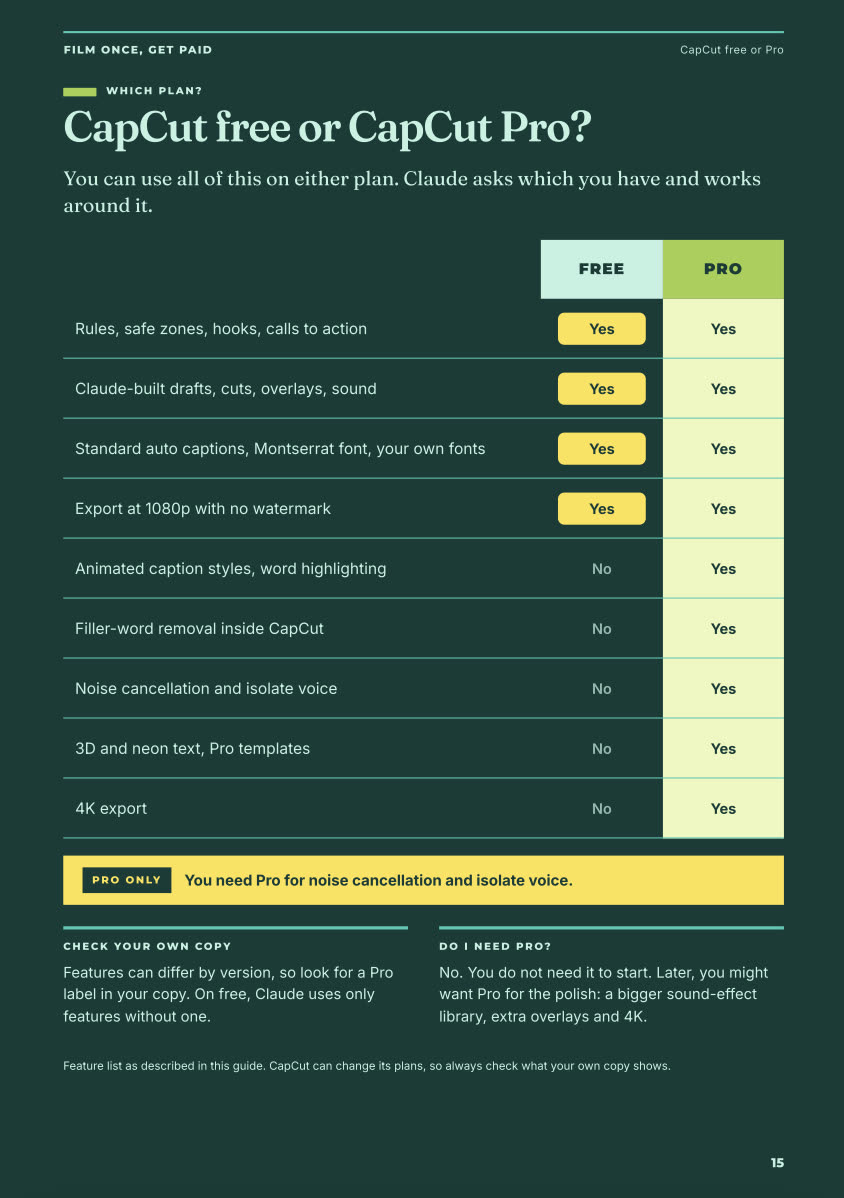
CapCut free or Pro
Works on both.
FAQ
Questions.
Does it post for me?
No. You review every video in CapCut and export it yourself.
Do I need CapCut Pro?
No. It works on CapCut free and Pro.
I'm not technical. Will I manage?
Yes. It's written for beginners, step by step.